AI Is No Longer Optional — It’s Everyday
This guide focuses on practical AI tools that improve everyday work — tools you can start using immediately, without coding or complex setup. Whether you are a student, working professional, marketer, data analyst or a business owner..You’ll find tools here that can genuinely save time and reduce effort.
We’ve organized them into clear categories:
Writing
Design
Analytics
Video and Audio
Productivity
Let’s explore the tools that are quietly changing how modern work gets done.
AI Tools for Writing & Content Creation
Writing is part of almost every profession today. Whether you’re replying to emails, creating reports, drafting proposals, writing blog posts, or preparing presentations — words matter. And let’s be honest, writing takes time. Sometimes the hardest part isn’t knowledge… it’s finding the right words.
That’s where AI writing tools step in.
They don’t replace your thinking. They don’t replace creativity.
But they do remove friction — the hesitation, the rewrites, the “this doesn’t sound right” moments.
There are many AI tools available today, but here are three powerful ones that can genuinely improve your daily writing workflow.
Grammarly AI
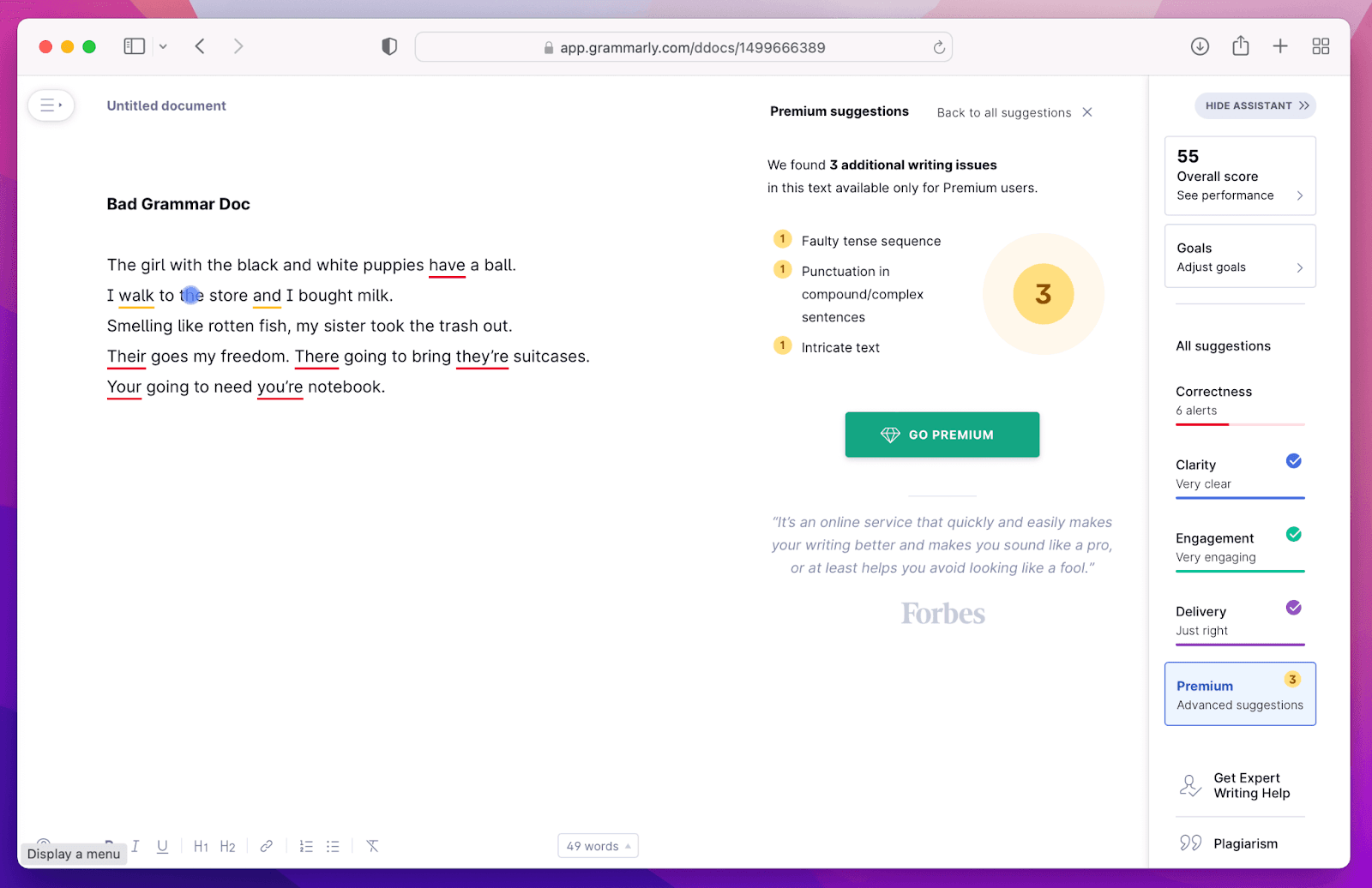
Grammarly is more than just a grammar checker now. With AI built into it, the tool helps improve clarity, tone, and even intent.
It’s ideal for:
Writing professional, confident emails
Improving LinkedIn post clarity and engagement
Polishing client reports and proposals
Sounding fluent if English isn’t your first language
Real-life scenario:
Imagine you’ve written a proposal for a client. The content is good, but you’re unsure if the tone feels too casual. Grammarly AI can suggest tone adjustments, shorten long sentences and make your writing sound sharper and more professional in seconds. It acts like a quiet editor sitting beside you.
Notion AI
🔗 https://www.notion.so/product/ai
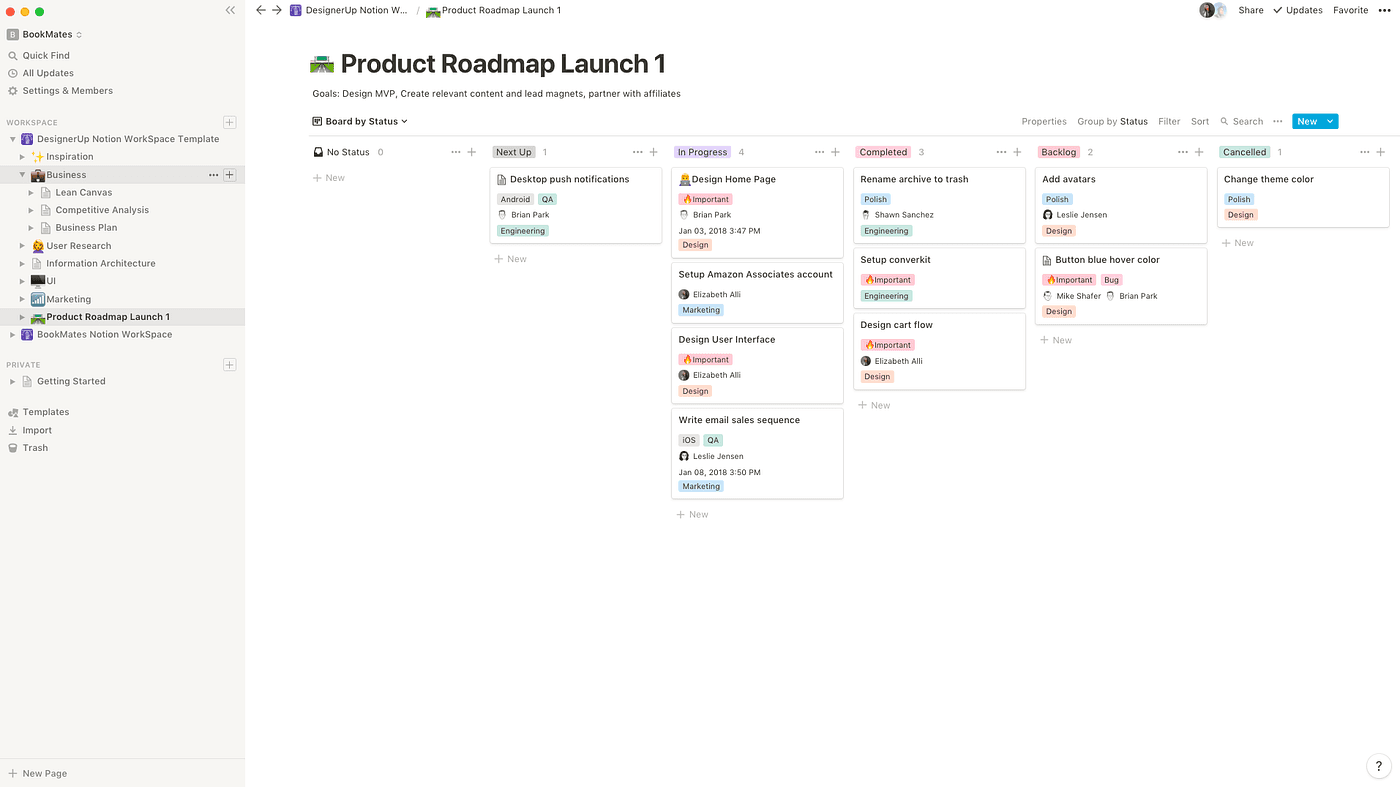
If you already use Notion for notes or project management, Notion AI feels like a natural extension of your workspace.
Instead of switching tabs to generate content, you can:
Summarize long meeting notes.
Turn bullet points into full paragraphs.
Generate ideas for content.
Clean up messy brainstorming sessions.
Rewrite documentation in a structured way.
Real-life scenario:
You just finished a 60-minute meeting and your notes are scattered. Instead of manually rewriting everything, you ask Notion AI to summarize the discussion and extract action points. Within seconds, you have a clean, structured summary ready to share. It saves mental energy not just time.
Writesonic
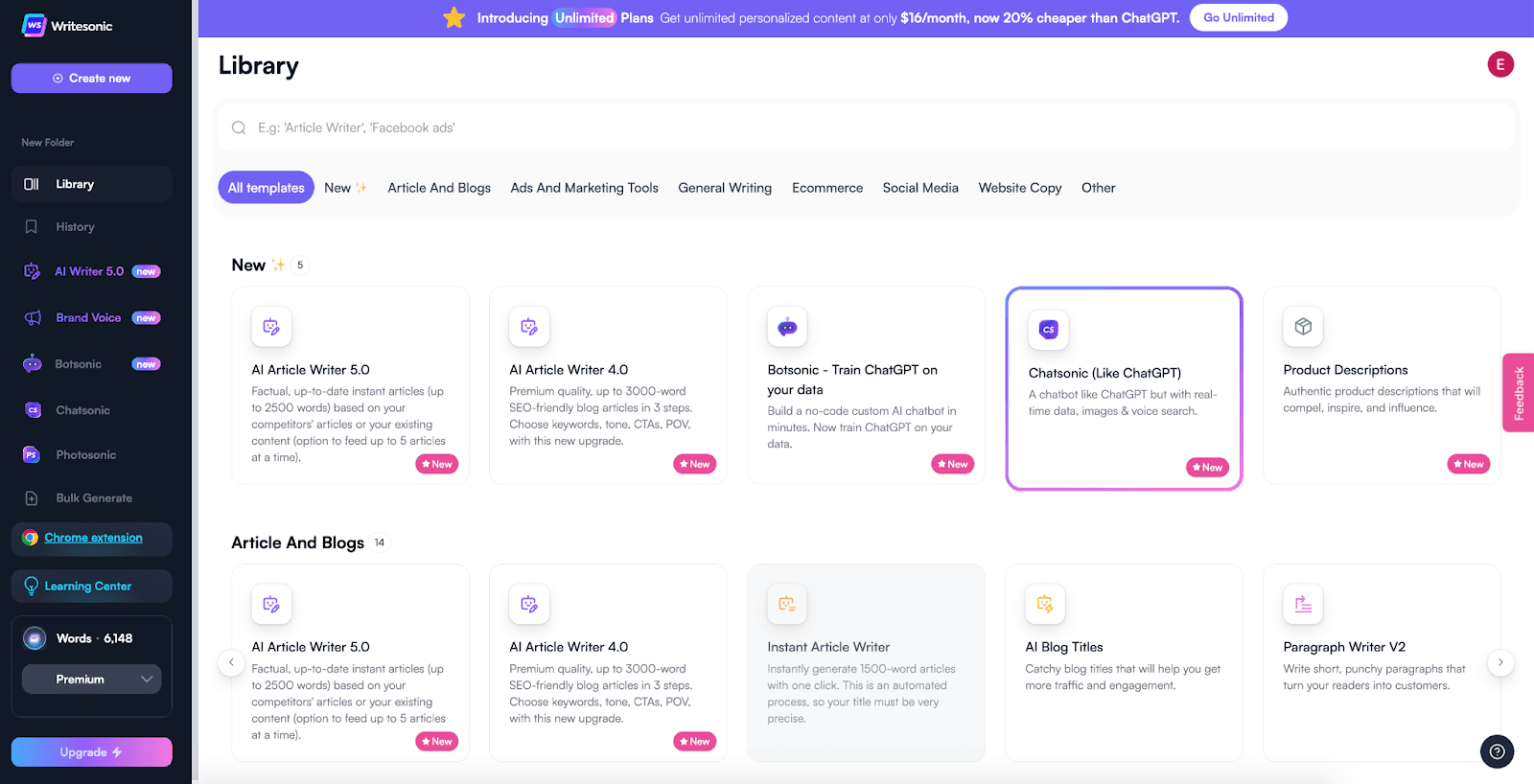
Writesonic is built especially for content creators, marketers and business owners who need SEO-focused content.
It helps generate:
Blog posts
Landing page content
Product descriptions
Ad copy
Website content
Real-life scenario:
You want to write a blog post but don’t know how to start. Writesonic can generate a structured outline, draft sections and suggest SEO-friendly headlines. Instead of staring at a blank page for 30 minutes, you start editing and refining within minutes. It’s especially helpful when you need consistent content output.
AI Tools for Design & Visual Creation
Not everyone is a professional designer — but almost everyone today needs to create visuals.
Whether it’s a presentation, social media post, product image, branding asset, or marketing graphic, visual communication has become essential. The challenge? Good design often feels technical, time-consuming, and overwhelming.
AI design tools simplify that process.
They don’t replace creativity — they remove the technical friction so you can focus on ideas. There are many tools available, but here are top three that genuinely make everyday design easier.
Eraser AI
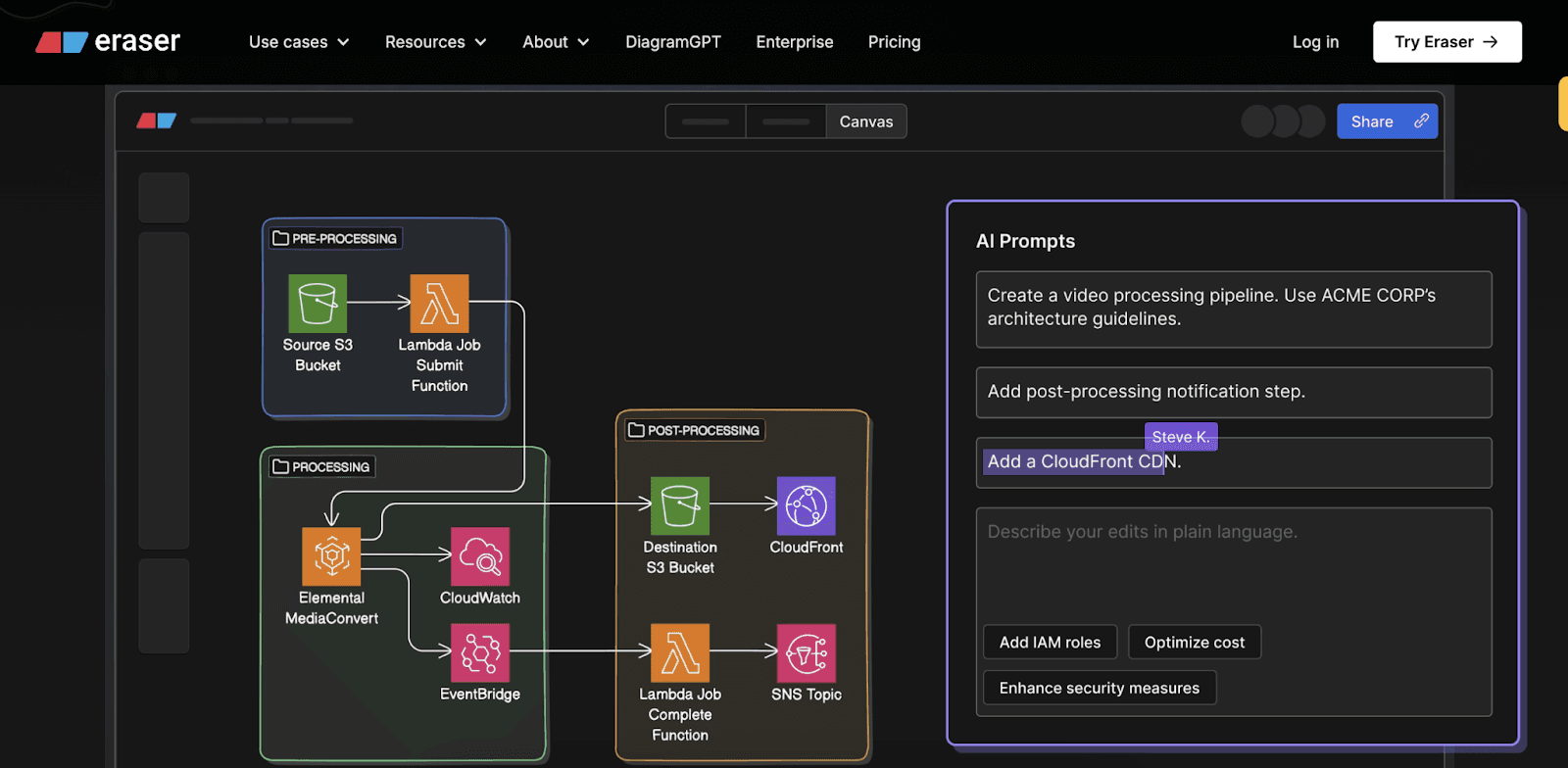
Eraser AI helps clean up images by removing unwanted objects, distractions, or imperfections instantly.
It’s ideal for:
Cleaning product photos
Removing background distractions
Preparing visuals for marketing
Quick edits without advanced software
Real-life scenario:
You’ve taken a great product photo, but there’s an unwanted object in the background. Instead of learning Photoshop or spending 20 minutes editing, you upload it to Eraser AI and remove the distraction in seconds. Clean, professional, and ready to use.
Designs.ai
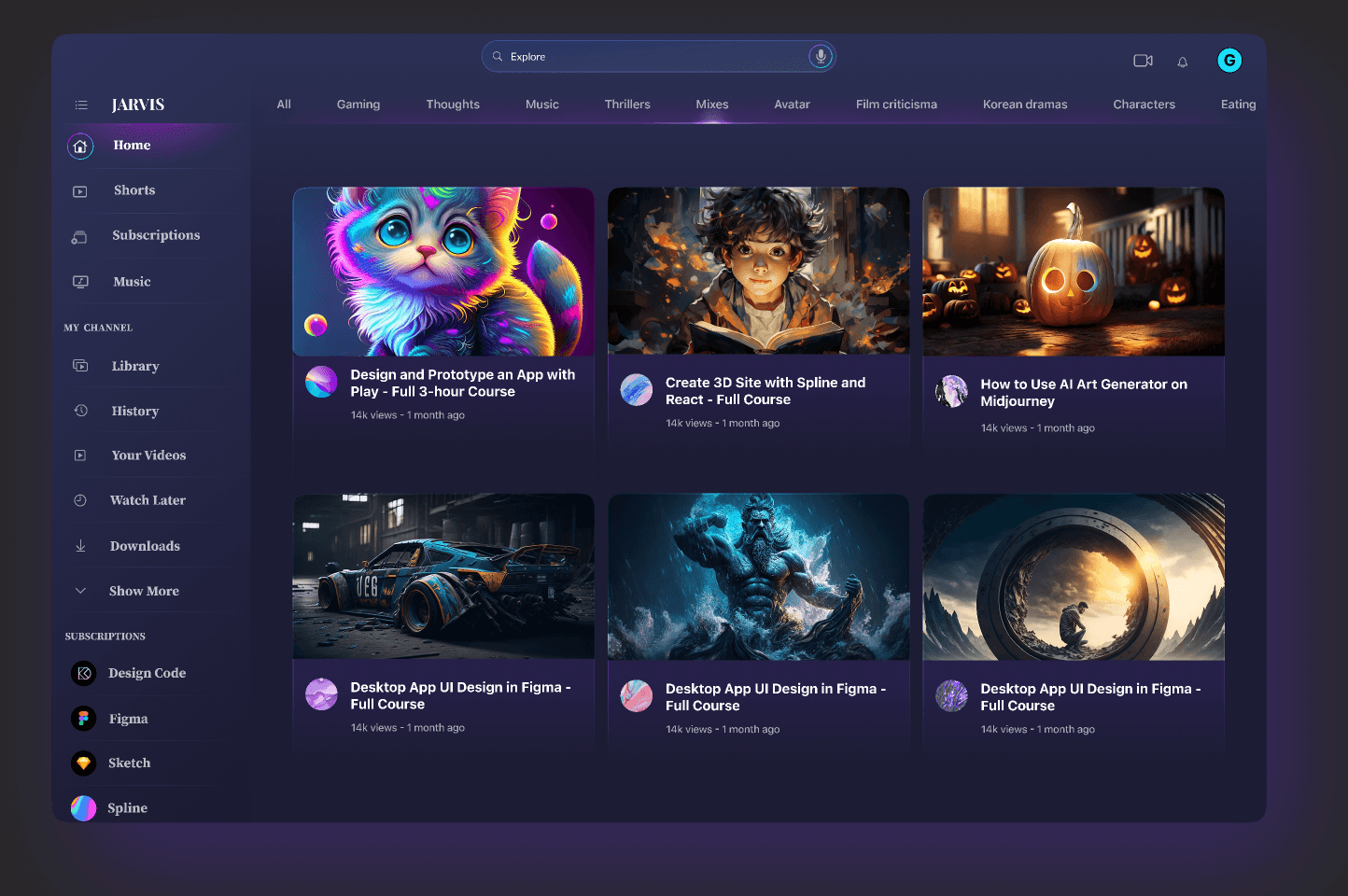
Designs.ai is an all-in-one creative suite that helps generate logos, mockups, videos, and branding materials using AI.
It’s ideal for:
Startups building brand identity
Entrepreneurs creating logos
Marketing teams generating quick visuals
Non-designers who need creative assets
Real-life scenario:
You’re launching a new project and need a logo, social banner, and brand kit. Instead of hiring a designer immediately, Designs.ai generates multiple professional options based on your brand name and preferences. It speeds up the starting phase dramatically.
Beautiful.ai
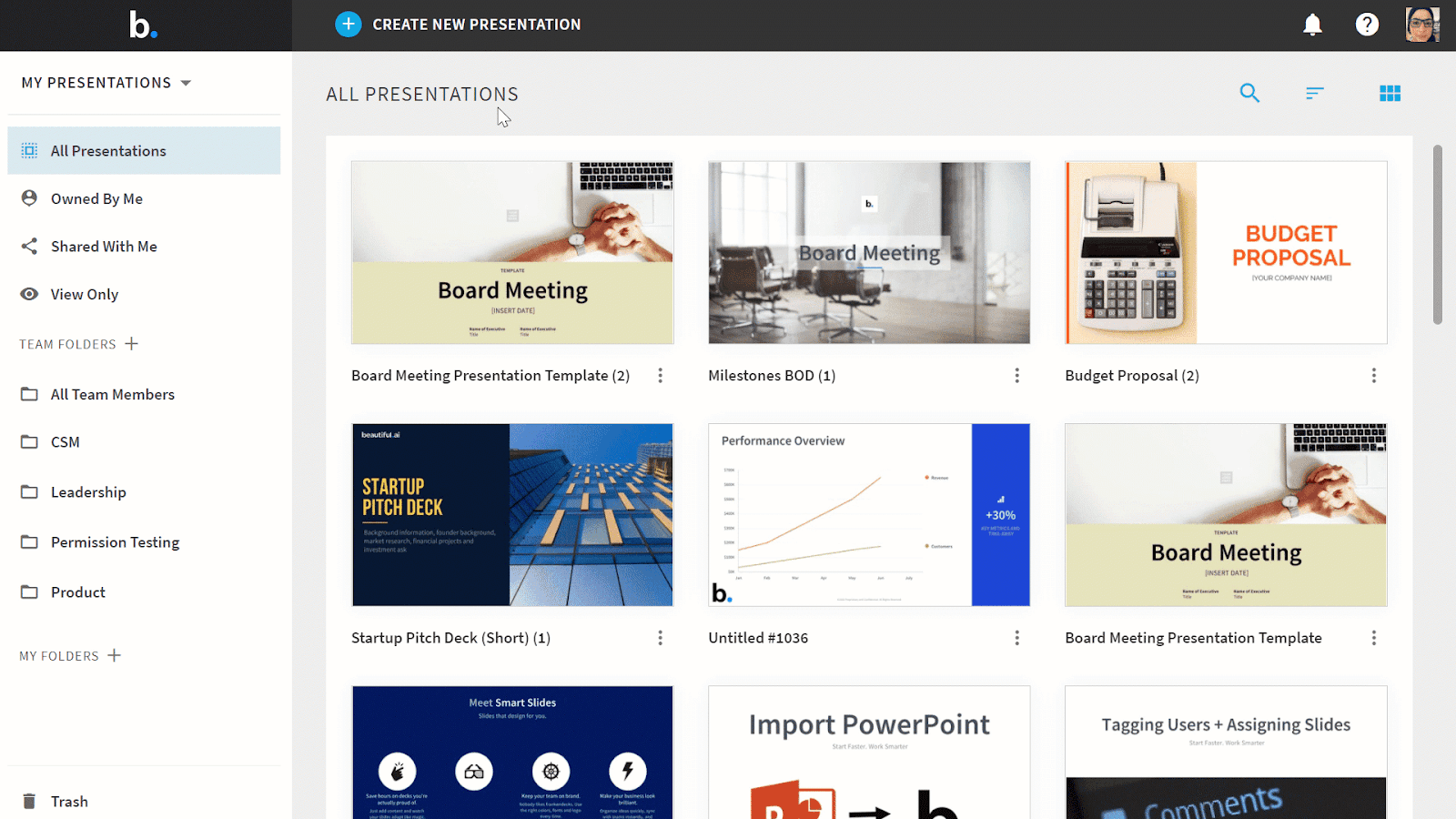
Beautiful.ai automatically formats and structures slides as you build presentations.
It’s ideal for:
Business presentations
Investor pitch decks
Client proposals
Team review meetings
Real-life scenario:
You’re building a client presentation late at night. Instead of adjusting alignment and spacing, the platform restructures slides automatically as you type. Your presentation looks clean and structured without manual design effort.
AI Tools for Data & Analytics
Data is powerful — but only if you can understand it. Many professionals sit on valuable data but struggle to extract meaningful insights because traditional analytics tools feel complex. AI-powered analytics tools make data exploration simpler and more conversational. Here are top three that stand out.
Power BI Copilot
🔗 https://powerbi.microsoft.com/
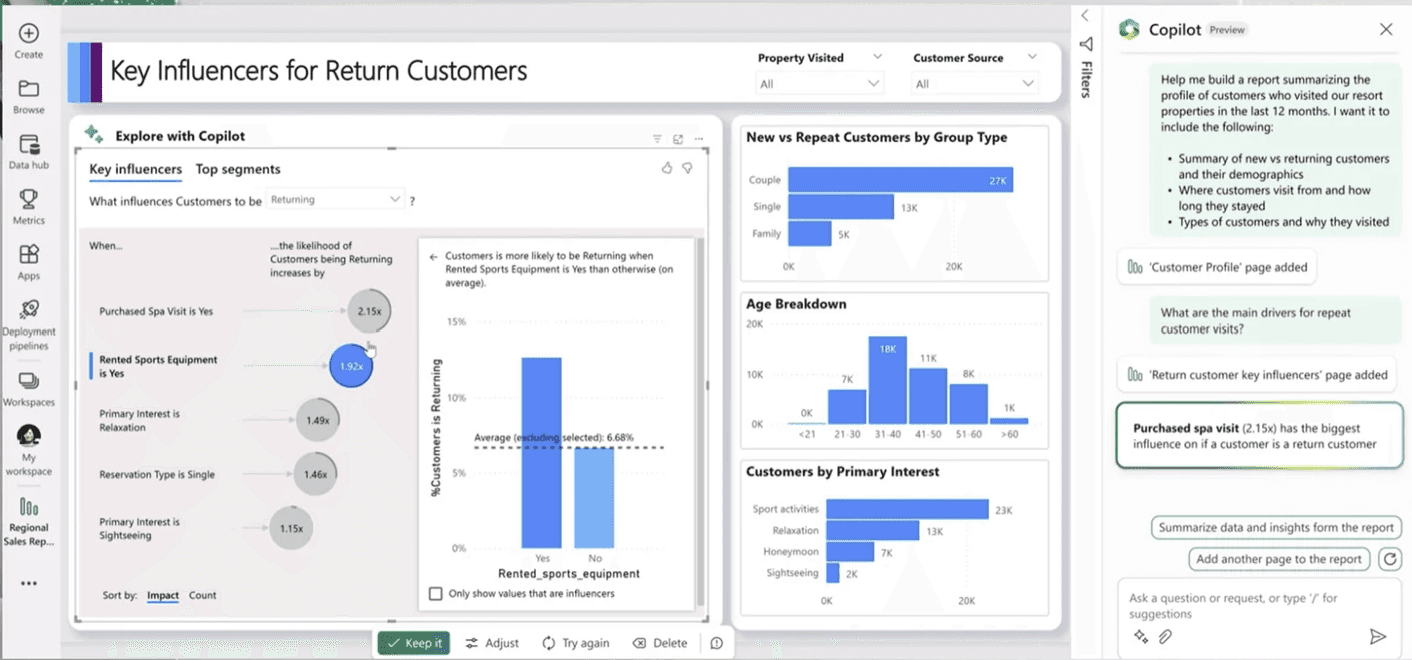
Power BI Copilot allows you to ask questions about your data in plain language and generate visuals automatically.
It’s ideal for:
Quick performance checks
Dashboard summaries
Business decision support
Non-technical stakeholders
Real-life scenario:
Instead of manually creating charts, you type:
“Show me revenue growth by region this year.”
Copilot generates visuals and explanations instantly, helping you focus on interpretation rather than construction.
Flourish
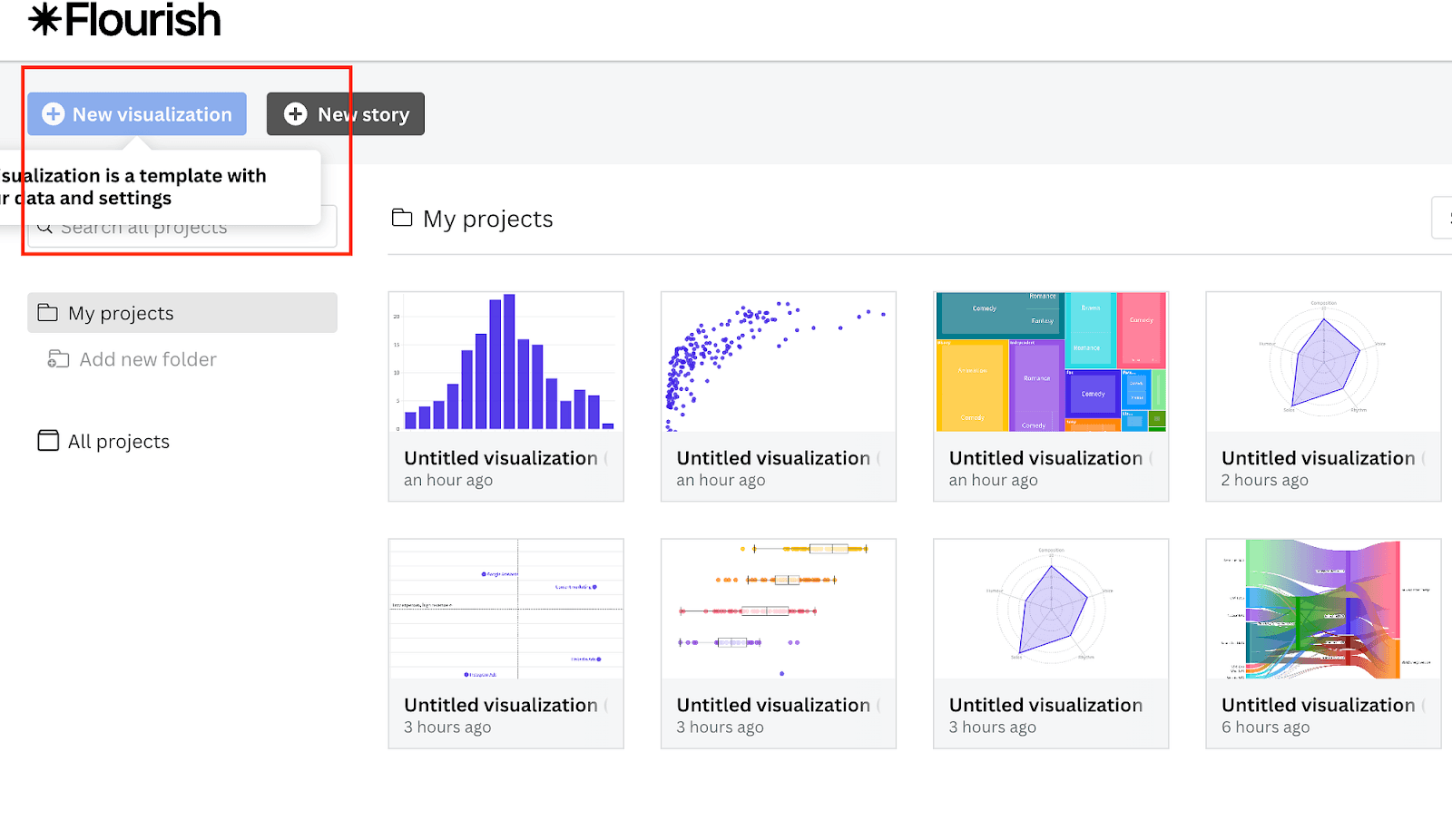
Flourish turns raw data into interactive and visually engaging charts.
It’s ideal for:
Storytelling with data
Interactive dashboards
Media and presentation visuals
Reports that need visual impact
Real-life scenario:
You’re presenting trends in a meeting. Instead of static Excel charts, you create interactive visuals that allow viewers to explore data themselves. It makes insights more engaging and memorable.
Obviously AI
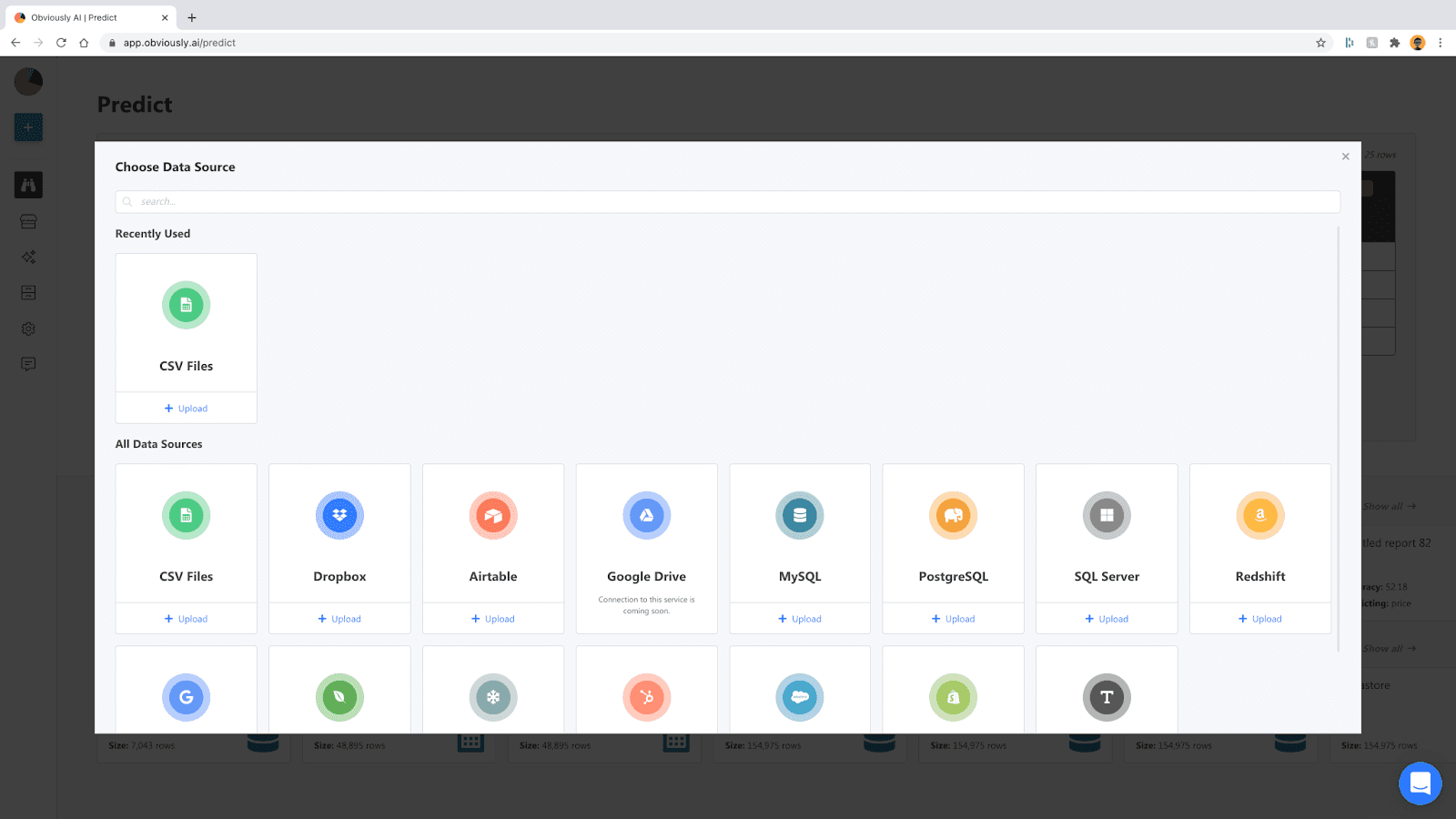
Obviously AI lets users build predictive models without coding.
It’s ideal for:
Sales forecasting
Customer churn prediction
Demand estimation
Business performance forecasting
Real-life scenario:
You upload your historical sales data and select “Predict next month’s revenue.” Within minutes, the platform generates predictions — no technical expertise required.
AI Tools for Video & Audio
Video and audio content are now central to communication — whether for training, marketing, or internal updates.
Traditional editing tools can be overwhelming. AI simplifies the process and reduces production time dramatically.
Here are TOP three tools that make video and audio work easier.
Descript
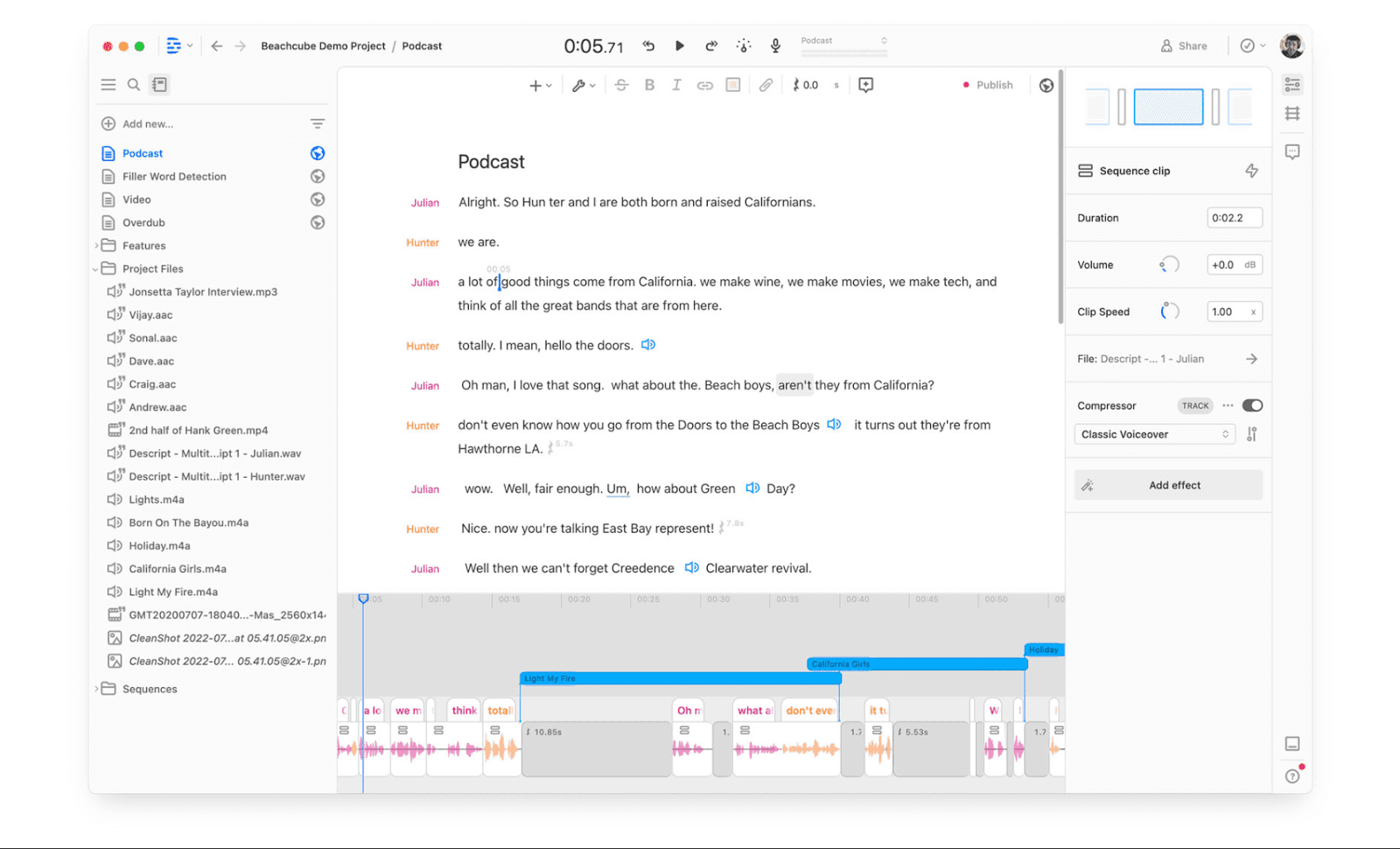
Descript lets you edit video and audio by editing text.
It’s ideal for:
Podcast editing
YouTube videos
Removing filler words
Adding subtitles quickly
Real-life scenario:
You record a training video and notice multiple “uh” and “um” moments. Instead of cutting clips manually, you delete those words from the transcript — and they disappear from the video instantly.
Synthesia
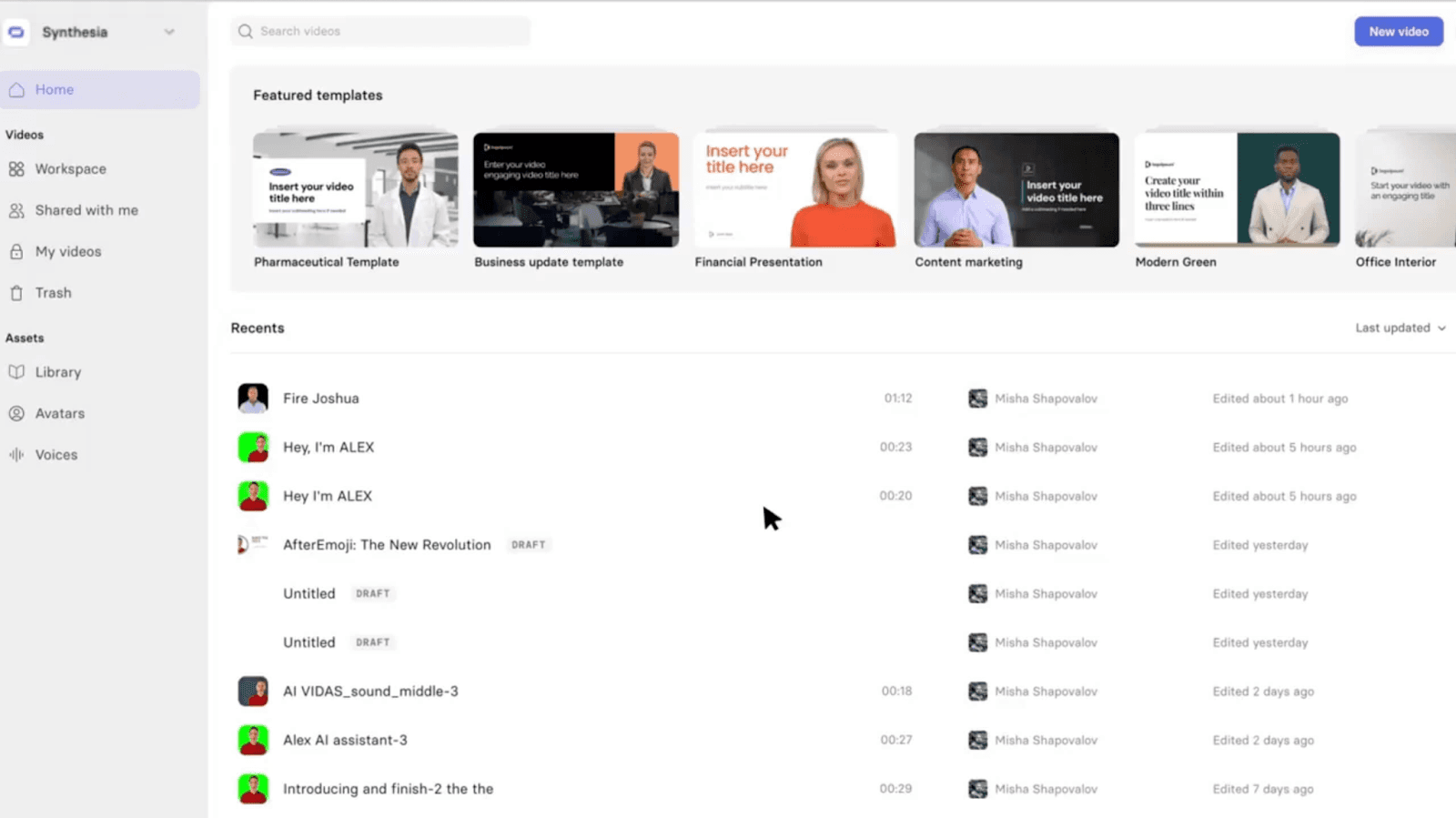
Synthesia creates AI avatar videos from text scripts.
It’s ideal for:
Corporate training videos
Product demonstrations
Multilingual communication
Internal onboarding
Real-life scenario:
Instead of organizing a video shoot, you type your script, choose a virtual presenter, and generate a professional video in minutes — especially useful for quick internal updates.
Otter.ai
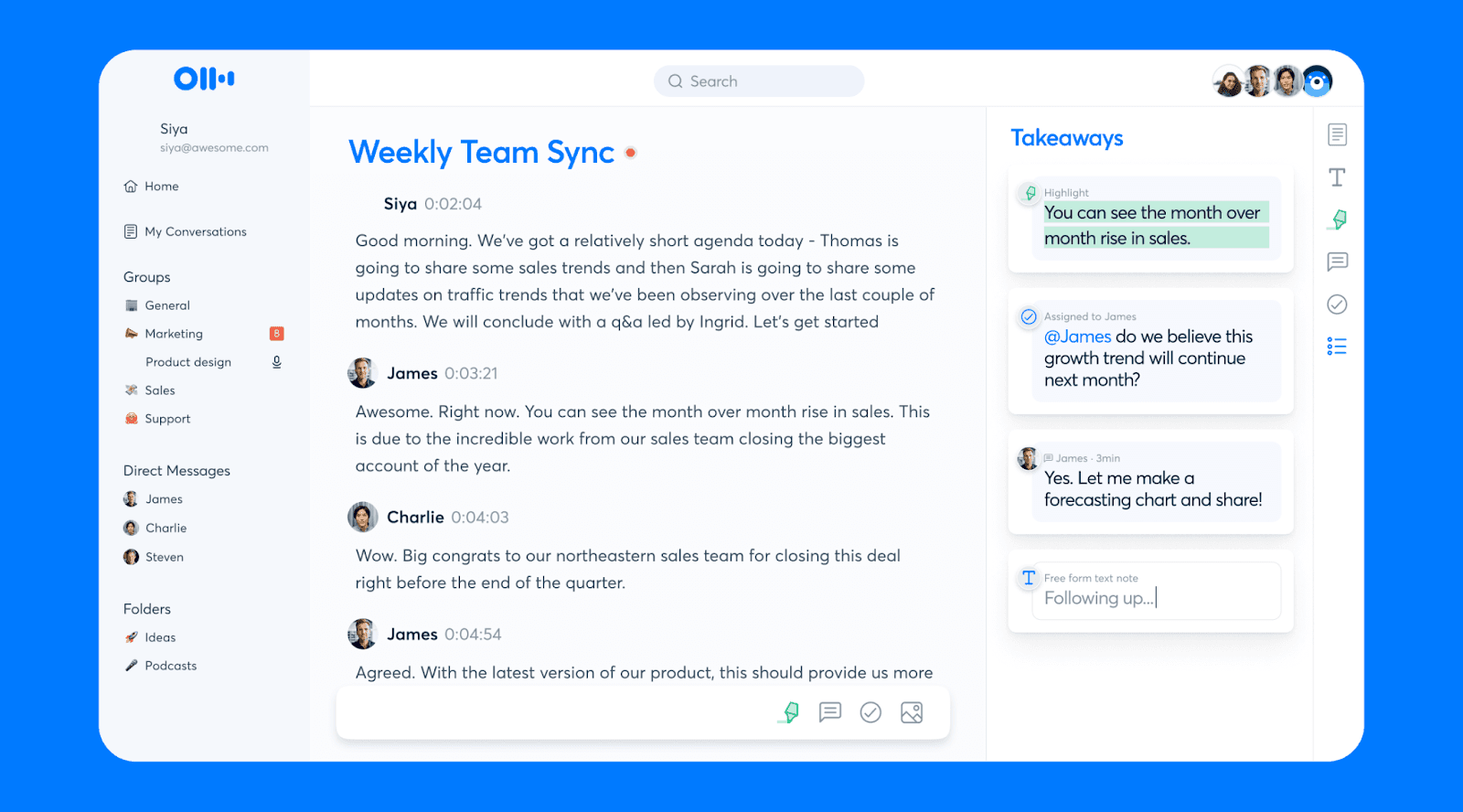
Otter.ai records meetings and automatically generates transcripts and summaries.
It’s ideal for:
Remote meetings
Interviews
Lectures
Documentation
Real-life scenario:
You attend a 90-minute strategy meeting. Instead of worrying about notes, Otter captures everything and provides structured summaries with key points and action items.
AI Tools for Productivity & Planning
The biggest challenge at work today isn’t effort — it’s overload.
Deadlines, emails, meetings, and task lists can easily become overwhelming. AI productivity tools help organize that chaos intelligently.
Here are three tools that stand out.
Motion
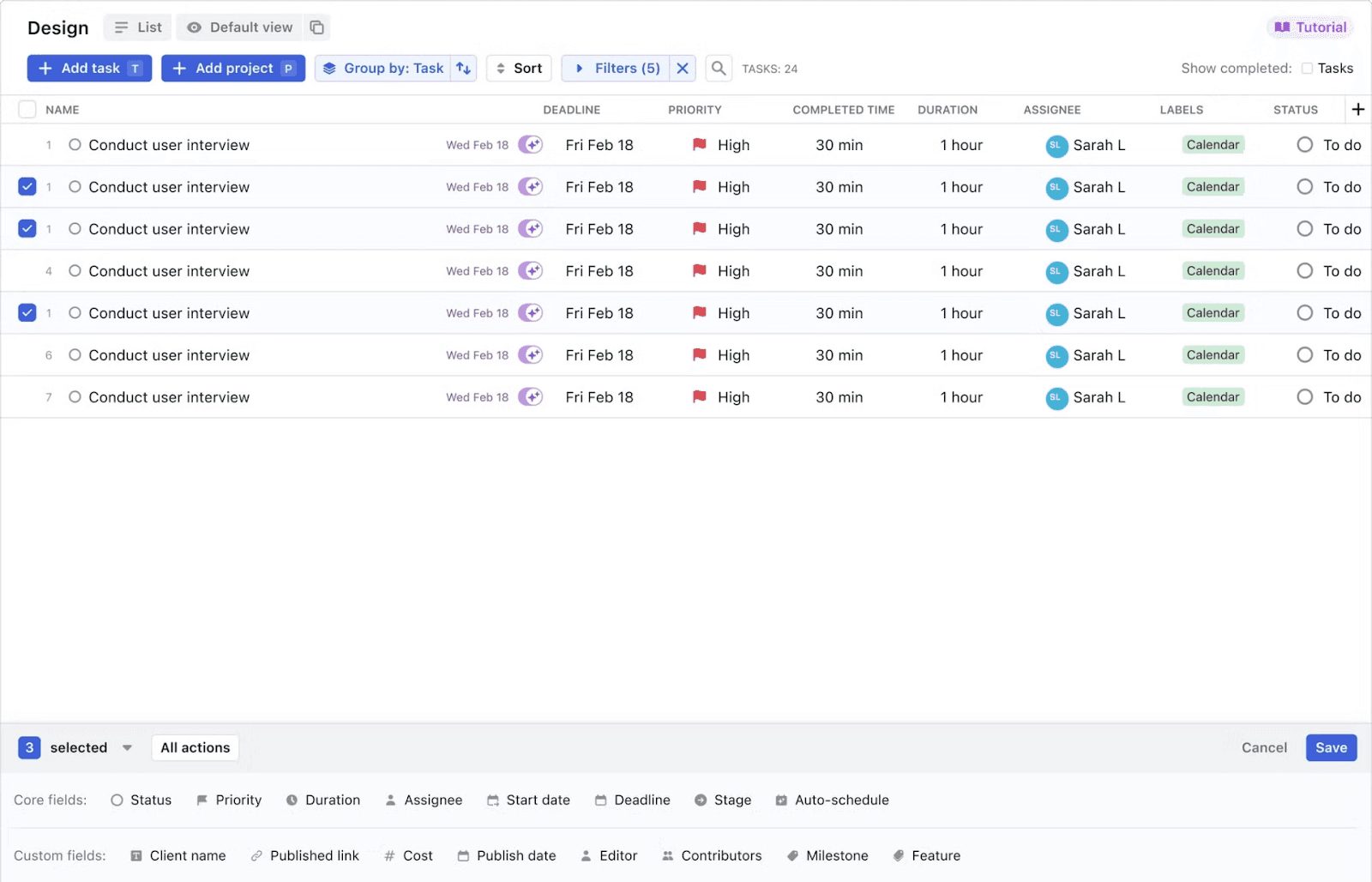
Motion automatically schedules your tasks based on priority and deadlines.
It’s ideal for:
Entrepreneurs
Busy professionals
Project managers
Anyone juggling multiple deadlines
Real-life scenario:
You have 15 tasks due this week. Instead of manually arranging your calendar, Motion organizes everything based on urgency and adjusts automatically when priorities shift.
Zapier
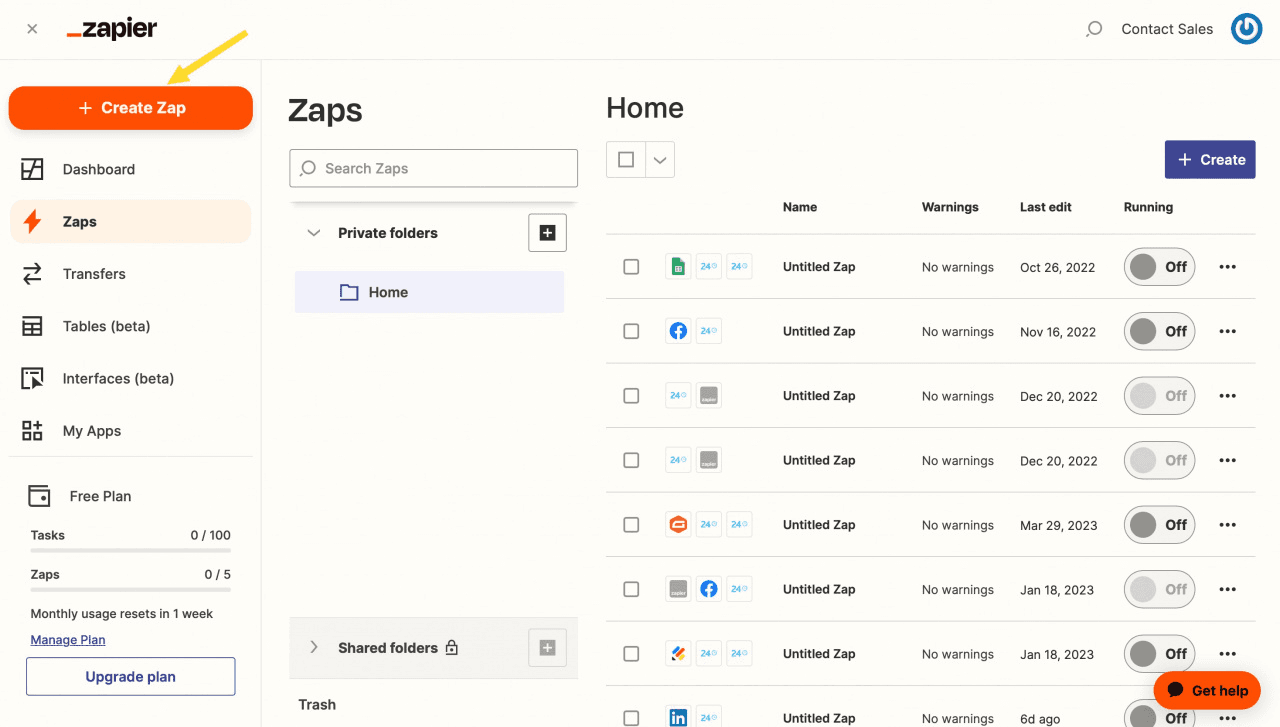
Zapier connects apps and automates repetitive workflows.
It’s ideal for:
Connecting forms to spreadsheets
Automating email notifications
Reducing manual data entry
Cross-tool automation
Real-life scenario:
When a customer fills out a form, Zapier automatically adds their details to a CRM, sends a confirmation email, and notifies your team on Slack — without you touching anything.
Make.com
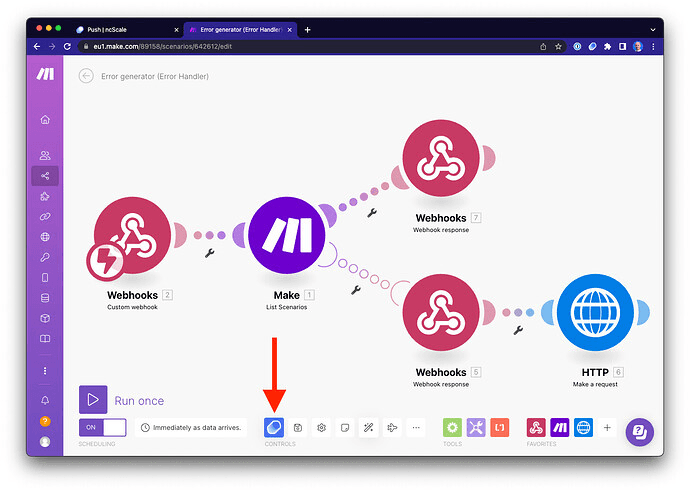
Make.com allows you to visually build advanced automated workflows between apps.
It’s ideal for:
Complex automation scenarios
Multi-step workflows
Data processing automation
Custom business processes
Real-life scenario:
You create a workflow where new orders trigger inventory updates, invoice creation, reporting updates, and email confirmations — all automatically connected through a visual builder.
Final Thoughts: Small AI Tools, Big Daily Impact
If you look closely, none of these tools are trying to replace you.
They’re not taking over your creativity. They’re not making decisions for you. They’re not eliminating the need for skill.
What they are doing is something much more practical — they’re removing friction.
The friction of:
Staring at a blank page
Fixing slide alignment
Cleaning messy data
Editing video manually
Rewriting the same email five times
Managing too many tasks at once
AI tools are quietly handling the repetitive, time-consuming parts of work so you can focus on thinking, creating, and deciding.
That’s the real shift.
The future of work isn’t about knowing how to build AI systems. It’s about knowing how to use AI intelligently in your daily workflow. Start small, pick one tool, use it consistently, understand where it genuinely saves time and then gradually expand.
The professionals who benefit the most from AI aren’t the ones using every tool available — they’re the ones who integrate the right tools into their routine. In the end, the most powerful AI isn’t the one that impresses you with complexity but one that quietly makes your day easier.
Want to Go Deeper?
If you want help with:
Choosing the right AI tools for your role
Learning how to use AI in data, analytics, or business workflows
Building AI-powered dashboards or smart automation
Understanding tools like Power BI Copilot and Microsoft Fabric
Feel free to connect with us or write to: support@klaymatrix.com
About author
Growth Strategist

Nitish Kumar
Lead Consultant
Get AI & data insights — straight to your inbox
Sign up to get the most recent blog articles in your email every week.